
Updated · best service iptv support team
Want to watch IPTV on your Xbox or PlayStation? The short answer: Xbox can do it with a store app, PlayStation can’t — and on both, a streaming stick plugged into the TV gives a much better experience. Here is what works, step by step.
Share this infographic on your site
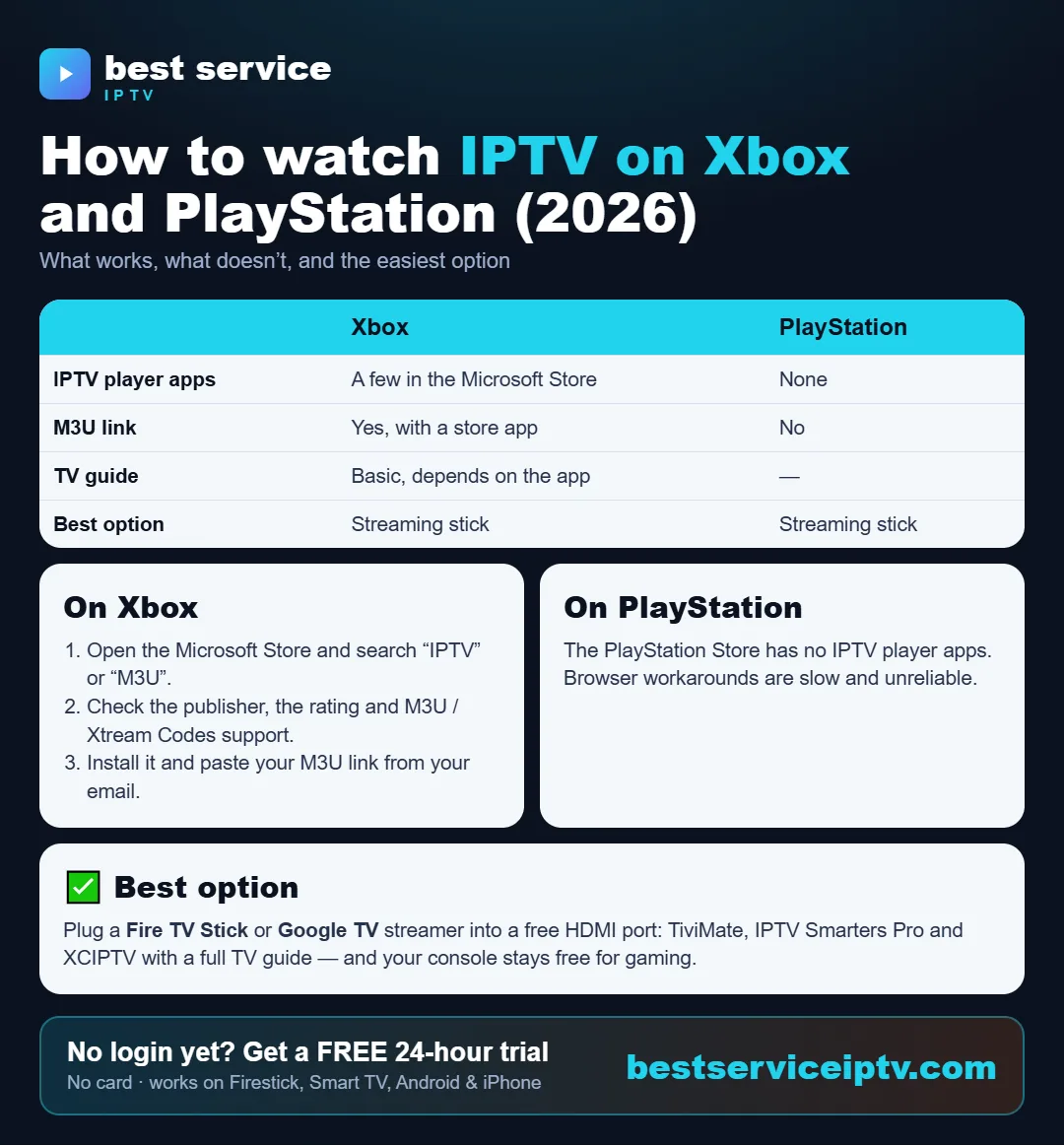
Xbox vs PlayStation for IPTV
| Xbox (One, Series X|S) | PlayStation (PS4, PS5) | |
|---|---|---|
| IPTV player apps | A few in the Microsoft Store | None in the PlayStation Store |
| M3U / Xtream Codes | Yes, depending on the app | No |
| TV guide (EPG) | Basic, depends on the app | — |
| Best option | Streaming stick | Streaming stick |
How to watch IPTV on Xbox
- Open the Microsoft Store on your Xbox and search for “IPTV” or “M3U”.
- Check the app before installing: publisher, rating, recent updates and support for M3U or Xtream Codes.
- Install it and add your playlist: paste the M3U link or enter the Xtream Codes details (server URL, username, password) from your email.
Store apps change over time and some are paid. If an app keeps buffering or has no TV guide, a streaming stick will be smoother.
Can you watch IPTV on PlayStation?
Not in a practical way. Sony does not offer IPTV player apps in the PlayStation Store, and watching through the console’s browser is slow, has no TV guide and often stops. If you have a PlayStation, use a streaming stick on the same TV.
No IPTV subscription yet? Get your IPTV login in minutes: 20,000+ live channels, 200,000+ movies & series, HD & 4K, plans from $9.50 with no auto-renewal and 24/7 support — or try it free for 24 hours.
Order a subscription Free 24h trialThe best option: a streaming stick
Plug a Fire TV Stick or Google TV streamer into a free HDMI port of your TV: you get the best IPTV apps — IPTV Smarters Pro, TiviMate or XCIPTV — with a full TV guide, and your console stays free for gaming. Setup takes about 15 minutes: IPTV on Firestick.
Not sure yet? Test the channels first with a free 24-hour trial on your phone or Smart TV.
Frequently asked questions
Can I watch IPTV on Xbox?
Yes, with an IPTV player from the Microsoft Store that supports M3U or Xtream Codes. The choice is limited and the TV guide is basic, so a streaming stick usually works better.
Can I watch IPTV on PS5 or PS4?
Not really. The PlayStation Store has no IPTV player apps, and browser workarounds are slow and unreliable. Plug a Fire TV Stick or Google TV streamer into your TV instead.
What is the best way to watch IPTV with a game console?
Keep the console for gaming and plug a Fire TV Stick or Google TV streamer into a free HDMI port. You get IPTV Smarters Pro, TiviMate or XCIPTV with a full TV guide.
Can I test before buying a streaming stick?
Yes. Start our free 24-hour trial on your phone, computer or Smart TV to test the channels, then choose the device you prefer.
Ready to start? Get best service iptv on your device in minutes. Try it free for 24 hours, then choose a plan from $9.50 (USD, USA & Canada).
Start free trial See plans